Launch District-Wide Conferences Without the Copy-Paste Marathon
Scaling parent-teacher conferences across a district is part logistics and part storytelling. Superintendents need to know which schools still have families on the sidelines. Principals need data they can use in staff meetings. And when you're setting up conferences at fifteen schools, copying the same configuration fifteen times is a workflow problem that compounds with every building you add.
The district event wizard
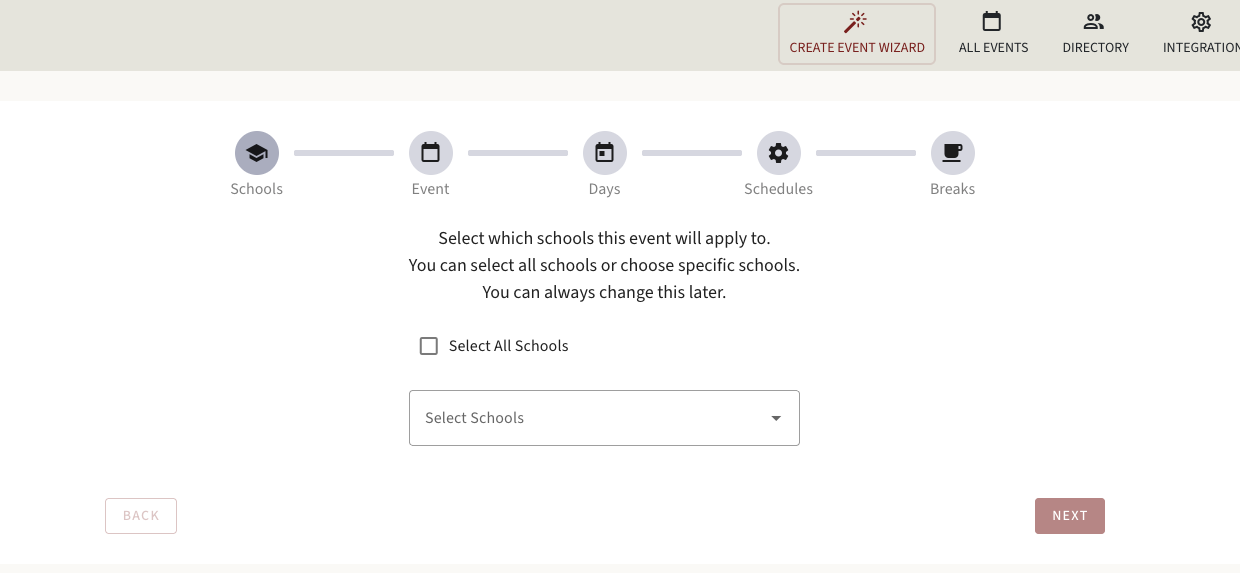
The Create Event Wizard now guides district administrators through a single setup flow that applies conference parameters across all selected schools—or a subset. Choose your schools, set the event structure once, and let the wizard propagate the configuration. Schools with site-specific variations can still override individual settings after the initial push.
District-level reports
District reports surface which schools have high booking rates and which have families who haven't registered yet—before the conference window closes, not after. This gives district coordinators the data to prioritize outreach where it matters most. For districts using OneRoster for roster sync, event setup and data sync work together in the same workflow.